Three ways to use Rojak Studio
Learn the Move (you perform their viral move), Character Into Video (a character performs yours), or UGC Ads (you holding your own product, ready to advertise). All three use the same AI, only the inputs and outputs differ.
Learn the MoveHOT
Your face, their viral move
Ever seen a viral move on TikTok you wanted to do yourself but had no idea how? This mode is the answer. Upload your face + the viral video you want to imitate, and AI puts your face into their move.
 Input 1
face
the viral video
ready to post
Tips for the best result
- Your face photo: clear, facing the camera, well lit. Avoid thick glasses or a partly covered face.
- The viral video: pick a clip with one person dominant in frame. Dance, gym moves and walking styles come out smoothest.
- Video format: MP4/MOV, up to 30 seconds. Phone held upright (TikTok 9:16) looks most natural.
- Clear motion, not shaky. Good lighting in the video. A steady camera angle.
Character Into Video
A character's face, your move
The other way round: if you already have a video of yourself doing something and want to put another character's face on it (cosplay, anime, an AI character, or any face you have the rights to), this is the mode. Upload your video of the move + a character photo as the target. AI puts that character into your scene, performing your move.
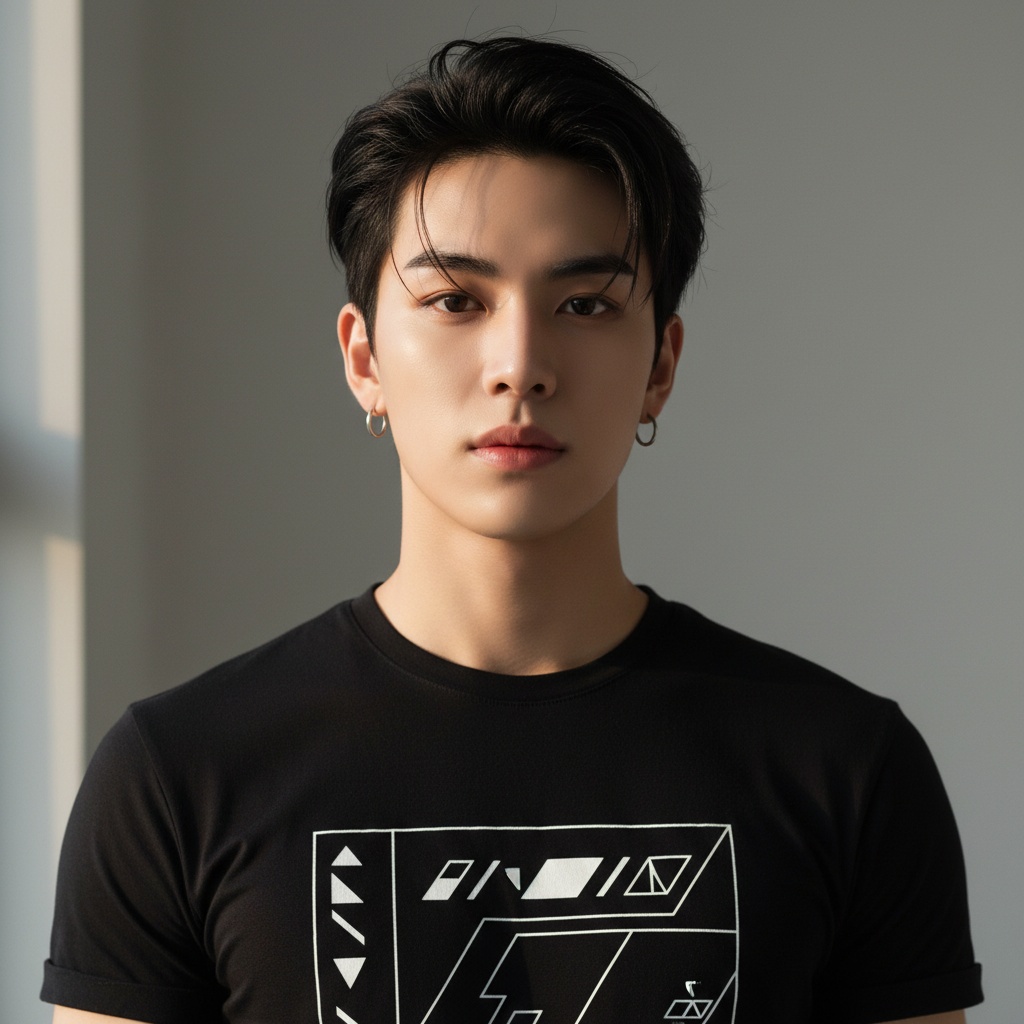 Input 2
face
target character
ready to post
Tips for the best result
- Your video: film somewhere with a clear background. Start the video holding still for 1-2 seconds (a clean first frame makes the result more natural).
- The character photo: one person only, face clear, facing the camera. Anime, K-pop idols and AI characters all work.
- Your move: clear motion (dance, point, wave, gesture). Avoid motion that is very fast or shaky.
- Your responsibility: make sure you have the rights to the character's face you use. Details in the Terms.
UGC Ads
Your face, your product
Want an ad that looks like a real customer holding your product, without hiring a model or setting up a studio? Upload your face + a product photo, and AI makes a set of images of you holding it. Use it to sell your own products, or for affiliate content.
 Input 1
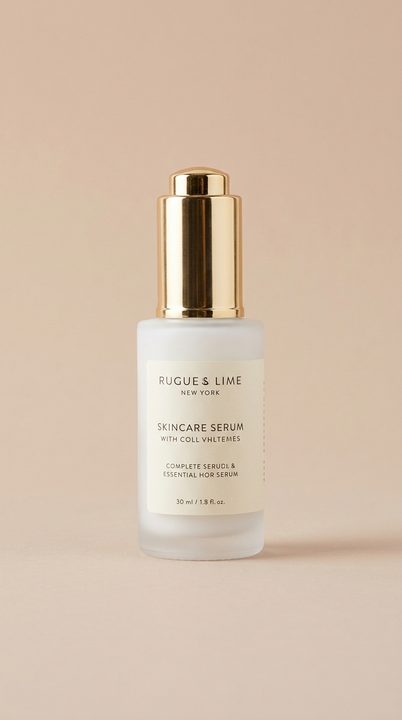 Input 2
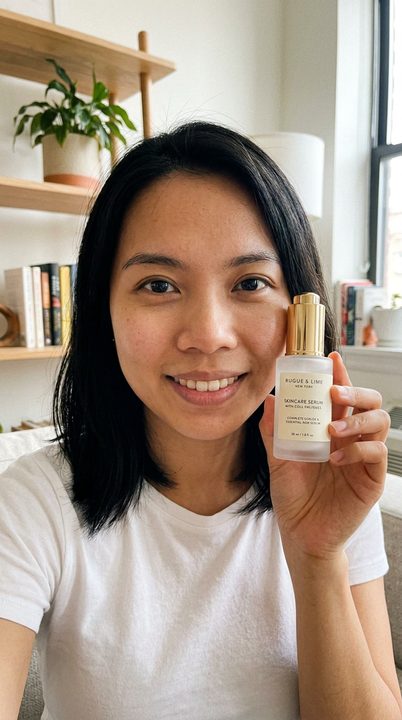 Output
face
face
ready to post
Once the set is ready, pick one image and type your sales line. AI makes a short video of you saying it, in a local voice you can hear before spending a credit.
Tips for the best result
- Your face photo: one person in frame, head to shoulders visible, facing the camera, well lit. Photos with several people are rejected before any credit is taken.
- The product photo: simple background, the whole product in frame, no hands or other people's faces. A photo from the supplier's website is fine.
- The video line: short, like you are talking to a friend. A long line means a long video, which means more credits.
- Your responsibility: use your own face, or someone who has given you permission. Details in the Terms.
The two Motion Sync modes compared
| Aspect | Learn the Move | Character Into Video |
|---|---|---|
| What do you upload? | Your face + a viral video | Your video + a character's face |
| Output | You performing their viral move | The character performs your move |
| Max length | 30 seconds | 10 seconds |
| Cost, 5 seconds | 100 credits | 300 credits |
| Cost at max length | 600 credits (30 seconds) | 400 credits (10 seconds) |
| Best for | TikTok trends, viral dances, gym | Cosplay, fan content, parody |
Want to use Rojak for affiliate?
There is a separate guide to starting TikTok affiliate from zero, including how to sign up, pick products, and make videos without showing your face.
Free 300 credits when you sign up. No card needed.